
Shotwize Audio Visual Store
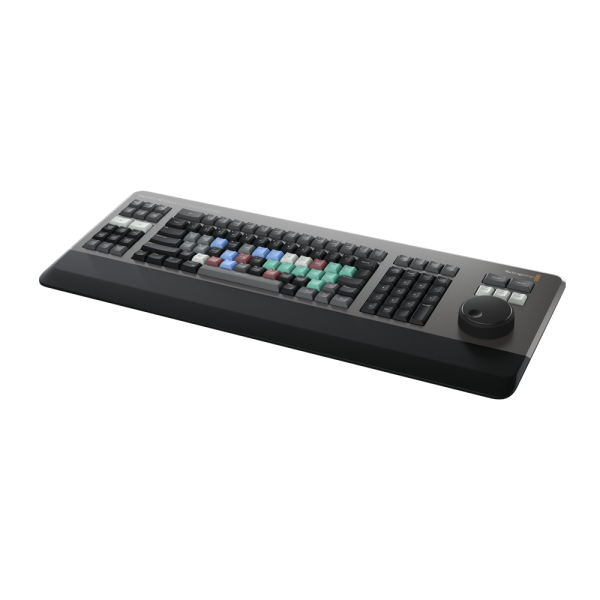

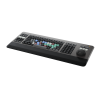
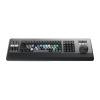
DaVinci Resolve Editor Keyboard
£496.00£413.33 inc VAT

Free delivery: Gets to you in 3-5 days
Premium Metal Design
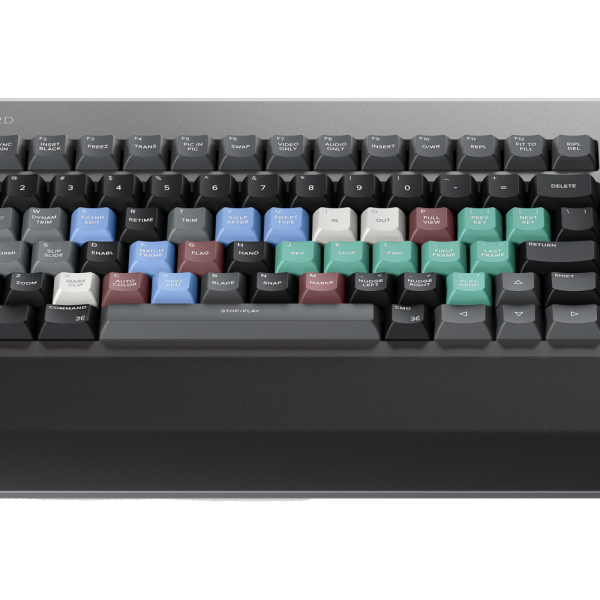
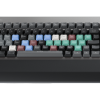
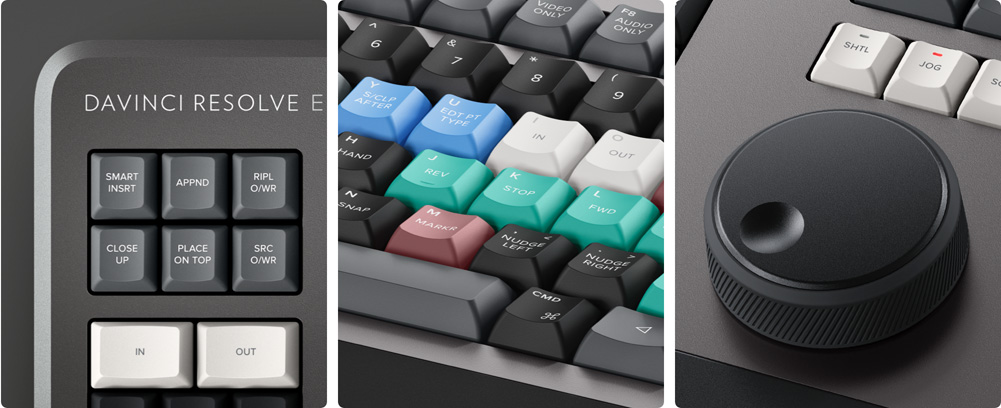
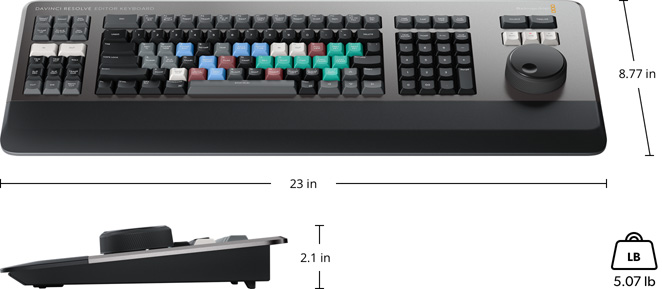
The DaVinci Resolve Editor Keyboard is a full sized traditional QWERTY editing optimized keyboard. Unlike modern keyboards with flat keys, the keys have a tiered profile so it’s easy to feel your way around. The key switches are the same type used by eSports keyboards and each key is certified for over a million operations. There’s even a hand rest with a soft feel to help reduce fatigue!
World’s Best DaVinci Keyboard
The DaVinci Resolve Editor Keyboard also includes a revised QWERTY key layout that’s been updated using feedback from professional editors. However you still get all the traditional editing features for both the cut and edit pages in DaVinci Resolve, so the core QWERTY part of the keyboard still operates in a familiar way. All the standard edit modes are included on the main keyboard. Plus, you get JKL trimming when you want to do playback and trimming via the keyboard and not the search dial. But you still get new features in the revised layout, such as a viewer button to allow instant change to full screen view, and it’s even possible to edit from the keyboard in full screen view!
Search Dial Control with Clutch
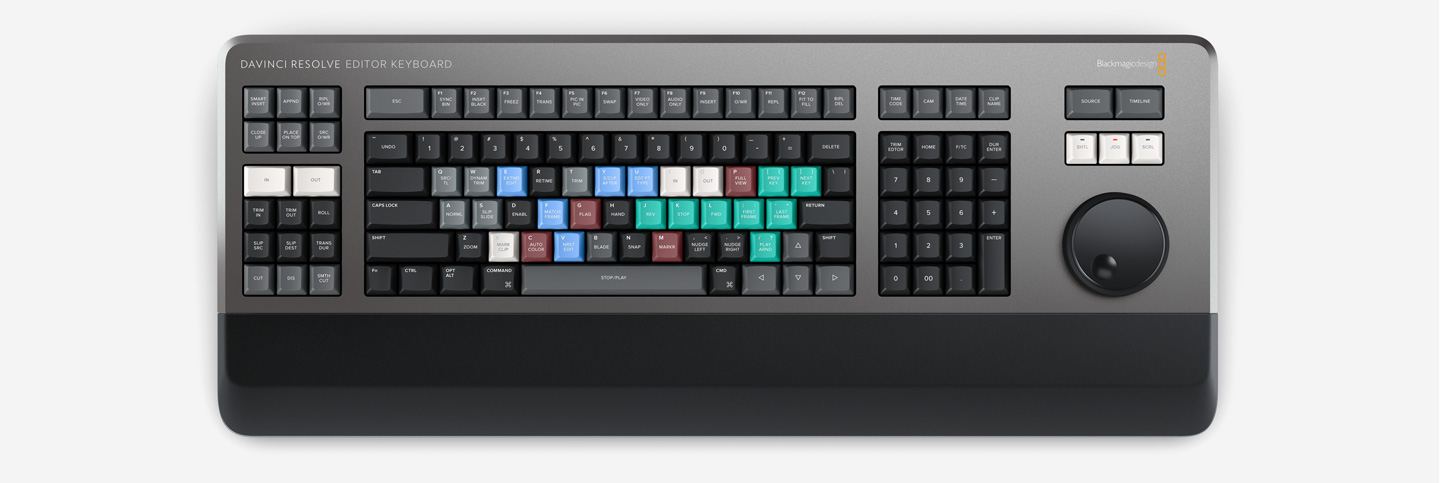
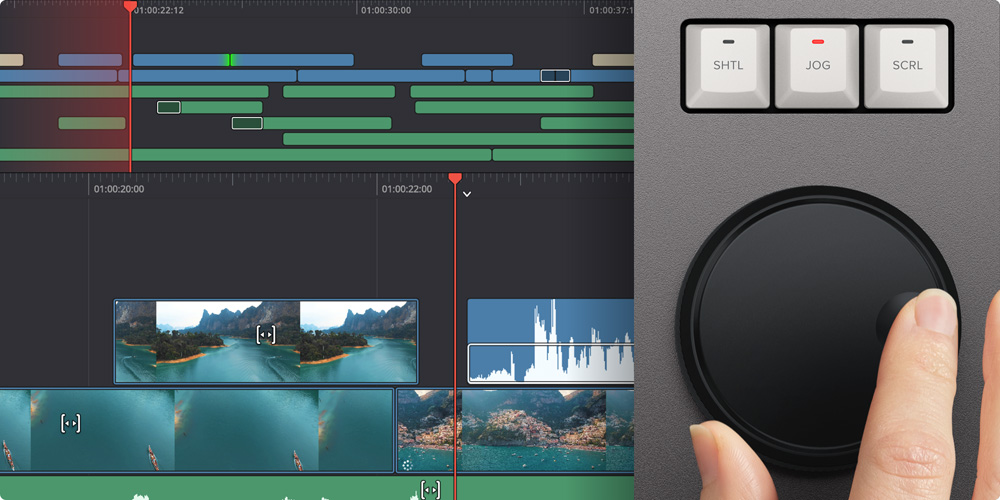
The integrated search dial is machined metal with rubber coating so it feels very nice to use and you always feel you have solid control over DaVinci Resolve’s clips or timeline. There’s an integrated electronic clutch that creates end stops when used for shuttle and position, all under software control. With multiple roller bearings, the search dial is very smooth and it can be spun in jog mode to allow a natural timeline scroll. The jog control allows free movement for precise positioning of the playback point. Shuttle uses the clutch and you can rotate forward and reverse wind to move up and down the timeline. Scroll allows scrolling up and down a long edit to navigate quickly.
Direct Timecode Entry Keypad
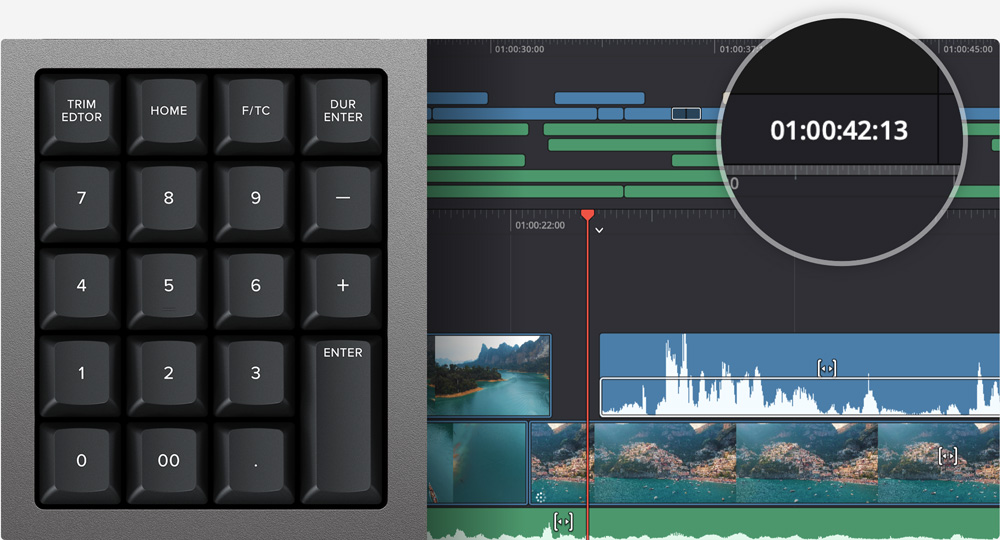
When entering edit points and durations numerically, there’s a keypad specifically designed for timecode entry. The F/TC button allows switching between timecode or frames. Just press the F/TC button and enter changes to frames. When typing longer timecode values, there’s also a double zero button so you don’t have to press the standard zero key as often. The plus and minus keys allow time values as offsets to current values vs absolute entry. A dedicated duration entry button allows you to numerically define the duration of a clip. Numeric duration entry is one of the most used functions! For example, if you need to set a 100 frame duration on a clip, just press DUR, F/TC and 100!
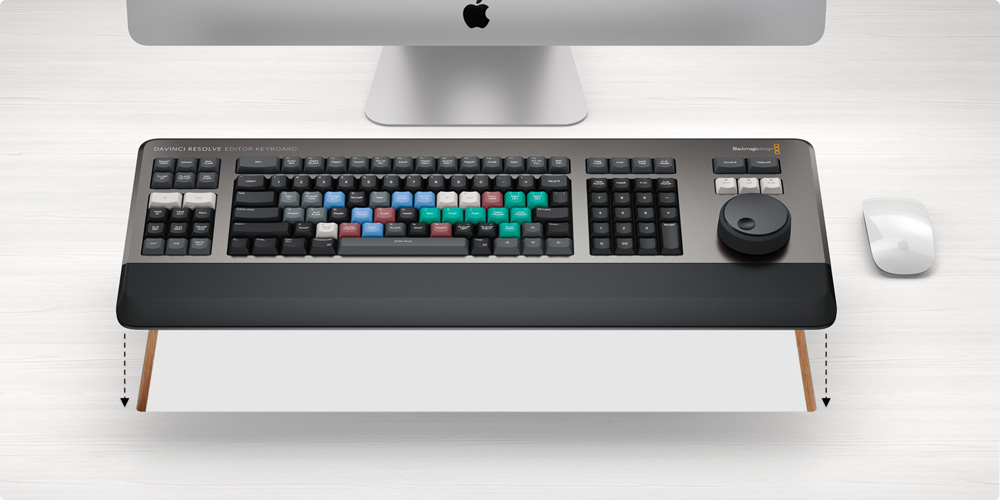
Designed for theDesktop or Inset into a Console!
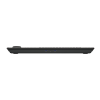
The subtle edge created between the top keyboard surface and the lower chassis has a streamlined feel to the design that allows the keyboard to look good on a desktop. Plus, the keyboard is a fantastic visual match to the latest computers that feature futuristic design. There’s even fold out feet to increase the keyboard tilt! However the flange has a functional benefit as you can install the keyboard in a cut out of a desk or console. When mounted into a desk, the keyboard will sit perfectly flat to the desk surface. This creates an amazing console look!
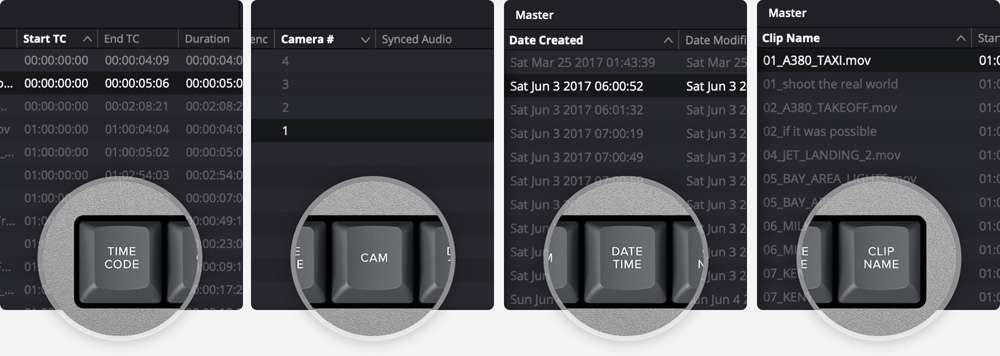
Instantly Sort Bin and Source Tape
You can sort the source tape by time, camera, duration or even clip name. Simply scroll up and down the source tape to find the shots needed! You can also sort by camera which is great for multi camera shoots where you need to find cut aways on specific cameras. You can even sort by duration and the clip name!
Watch the video
Specification
Connections
Computer Interface
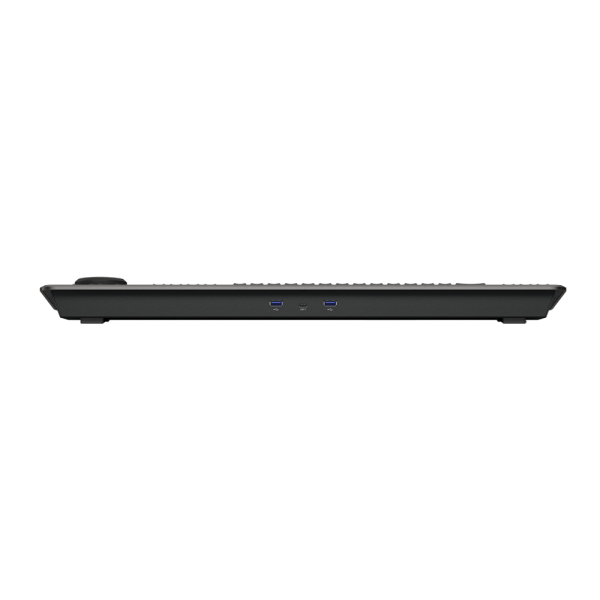
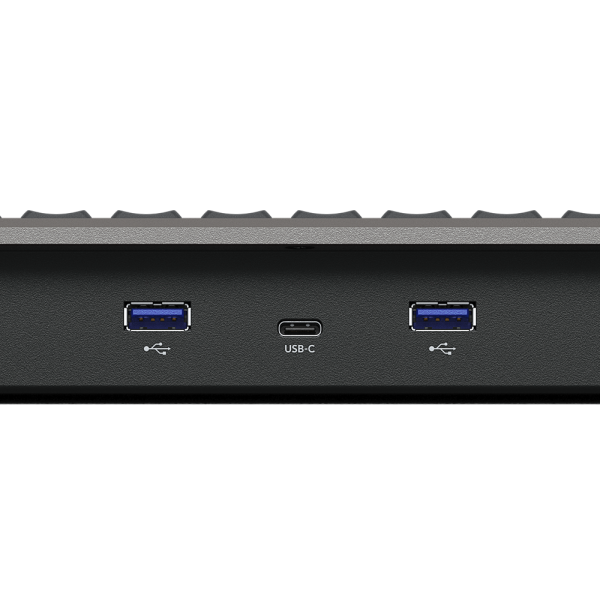
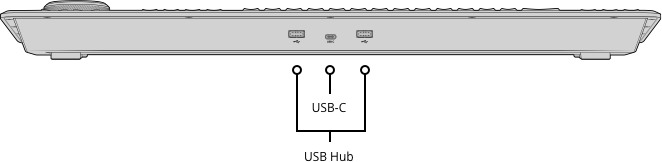
USB Type‑C.
USB Hub
2 x USB Type‑A for a mouse and other USB devices.
Power Requirements
Power Usage
8W max via USB Type‑C.
Operating Systems
 Mac 13.0 Ventura,
Mac 14.0 Sonoma or later.
 Windows 10 Creators Update
Windows 11
Windows 11 for ARM
 Rocky Linux 8.6
Physical Specifications
Environmental Specifications
Operating Temperature
0° to 40°C (32° to 104°F)
Storage Temperature
-20° to 60°C (-4° to 140°F)
Relative Humidity
0% to 90% non-condensing
What’s Included
Warranty
In the box
What’s Included
Warranty
Only logged in customers who have purchased this product may leave a review.
Related products
-
DaVinci Resolve Speed Editor
£319.20£266.00 inc VAT -
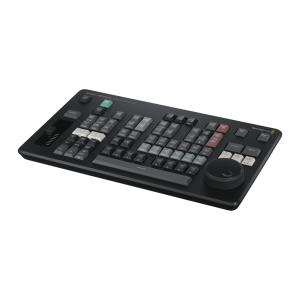
DaVinci Resolve Replay Editor
£405.60£338.00 inc VAT -
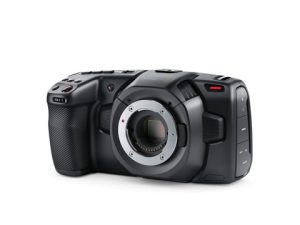
Blackmagic Pocket Cinema Camera 4K CINECAMPOCHDMFT4K
£783.00£652.50 inc VAT -
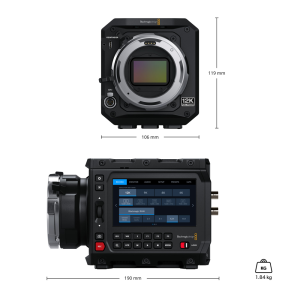
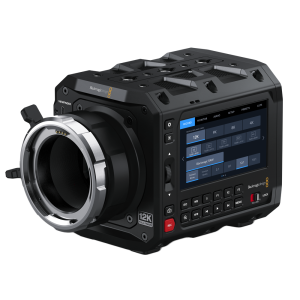
Blackmagic PYXIS 12K PL CINECAMCPYXO12LFPL
£3,996.00£3,330.00 inc VAT
Reviews
There are no reviews yet.