
Shotwize Audio Visual Store
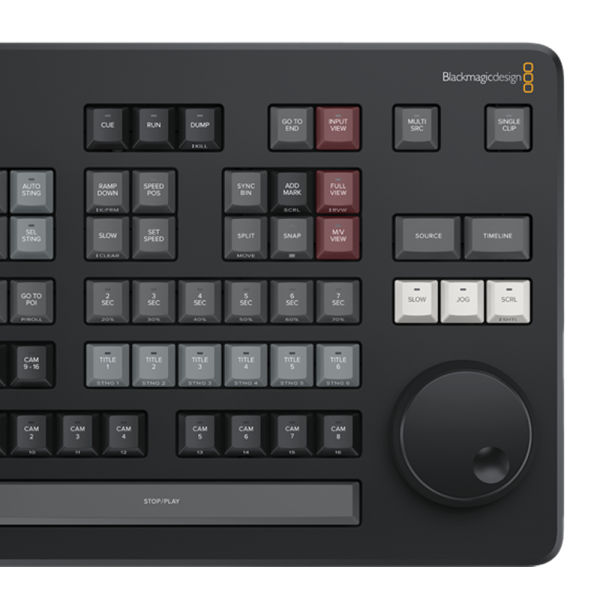
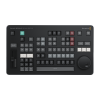
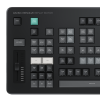
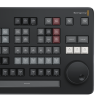
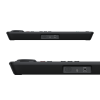
DaVinci Resolve Replay Editor
£405.60£338.00 inc VAT

Free delivery: Gets to you in 3-5 days
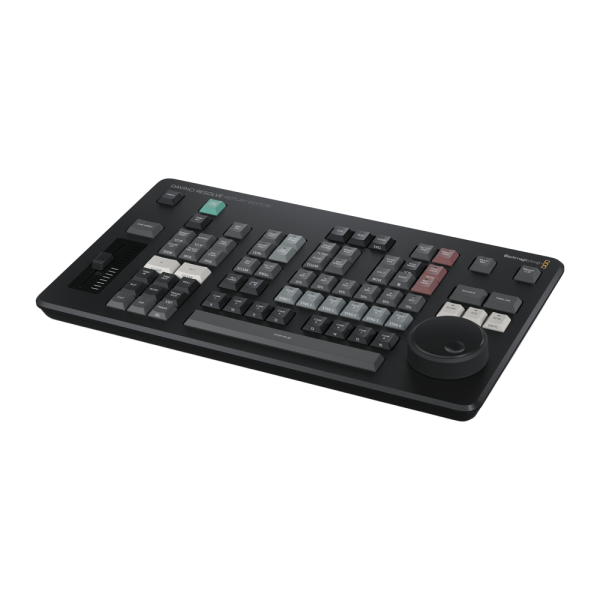
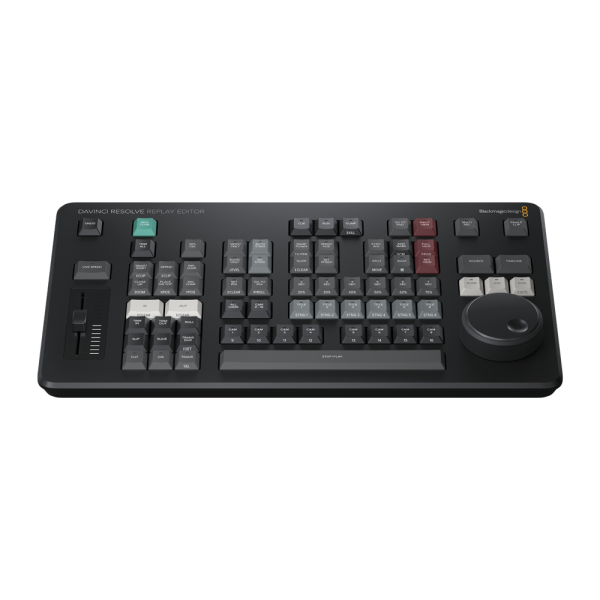
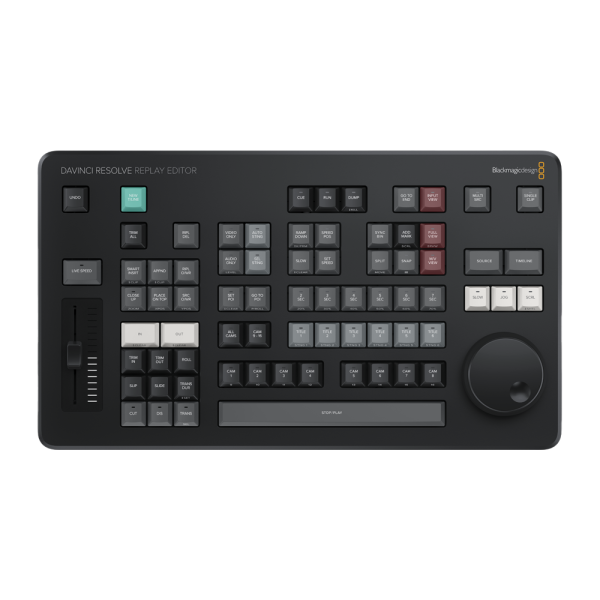
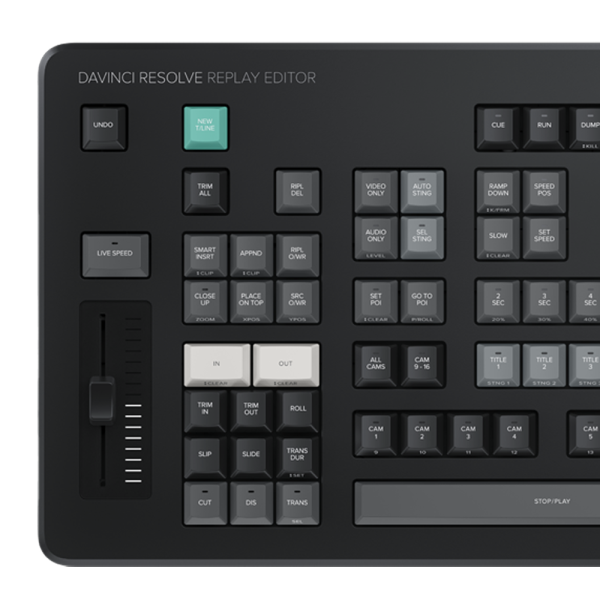
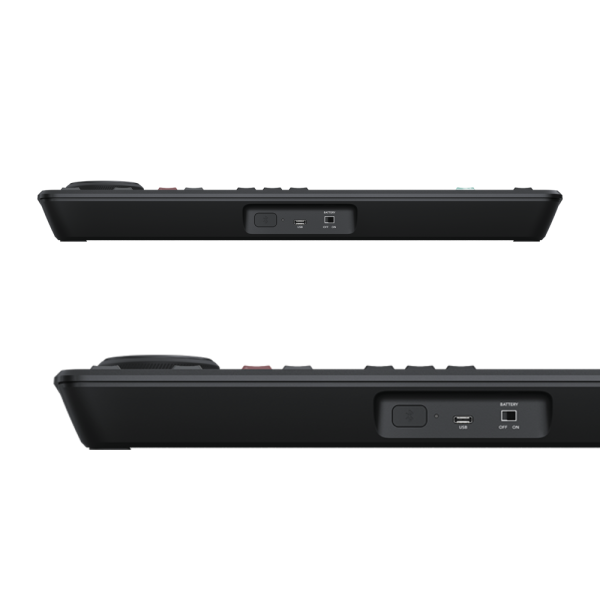
The DaVinci Resolve Replay Editor panel is specifically designed for multi-cam editing for news cutting and live sports replay. Includes buttons to make camera selection and editing extremely fast! Connects via Bluetooth or USB‑C.
The DaVinci Resolve Replay Editor introduces a new generation of live action replay! Blackmagic Replay is totally unique because it uses multiple HyperDecks to record into shared storage. DaVinci Resolve is connected to the same shared storage as a powerful playback engine. This means you can add additional record channels by connecting more HyperDeck recorders. However, the true power comes from having DaVinci Resolve handle the playback. That’s because it’s not just replay, but an extremely powerful editor with multi user collaboration features. Plus colour correction, visual effects and audio post production! So now you can convert replays into promos, title sequences and instant social media updates!
Let Replay Create a Social Media Revolution!
Now you don’t need to throw away a replay after it’s gone to air! That’s because you can convert the replay into an edit timeline for posting to social media. Blackmagic Replay is more powerful than a traditional replay system because it’s built into DaVinci Resolve. This means you can load exciting camera angles into the timeline to edit, colour correct and add visual effects. These edits can then be posted to social media in seconds. With Blackmagic Cloud, you can have more than one DaVinci Resolve system working on the job. Imagine every replay at a sporting event being transformed into a social media post. By creating instant social media posts, you can engage a new audience at a massive global scale!
Get Started in a Few Simple Steps!
DaVinci Resolve Replay Editor lets you do replay in a few simple steps. It can be as simple as watching the input view in the viewer. And then pressing the POI button when an exciting event happens. Pressing the POI, or point of interest, button will switch you from the input view to playback media. There you can see the different camera angles you have in a multi-view. Now you just scroll back a little, select a camera and you’re ready to play by pressing the run button. While playing you can review other angles in the multi-view and play that angle to air using show sequencing. When your replay is done, press the dump button and your replay will load into the timeline. Now you can add titles and then post to social media.
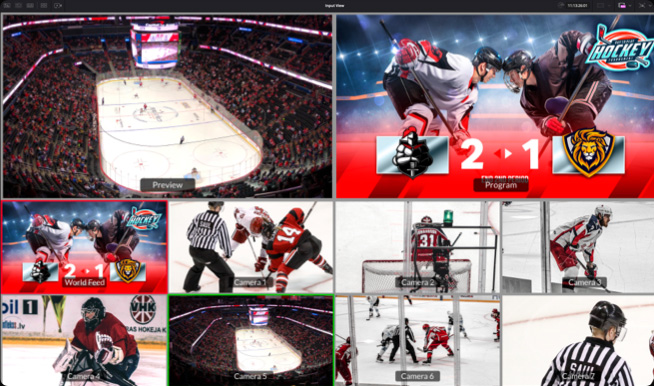
Find and Play Clip
Select input view. Mark the POI when something happens. DaVinci Resolve will switch to the playback media and cue to the POI. Then you can review and select a camera. Now press run to start the replay.
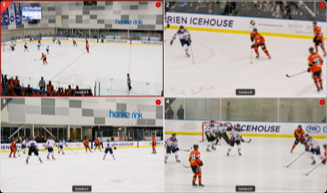
Sequencing Shots
Once running, the multi-view lets you review other camera angles. Select a new shot by pressing a time key and a camera key. The playback will move to seconds before the POI and play the new angle.
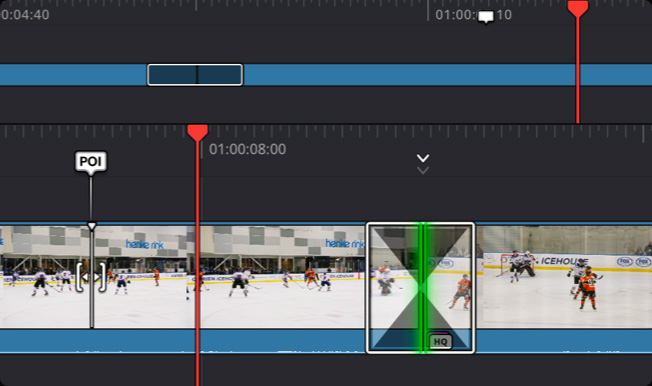
Upload to Social Media!
The time between run and dump is the replay and it can be automatically added into the timeline. If you used transitions and speed changes in your replay, they will also be loaded into the timeline!
Installation and operation manual

Support centre
Watch the video
Specification
Connections
Computer Interface
USB Type‑C.
Bluetooth
Bluetooth 5.1 LE

Power Requirements
Power Supply
Internal battery with power switch.
USB-C port for external power supply and battery charging.
Power Usage
6 W max.
Operating Systems
 Mac 14.3 Sonoma or later.
 Windows 10 Creators Update
Windows 11
Windows 11 for ARM
 Rocky Linux 8.6
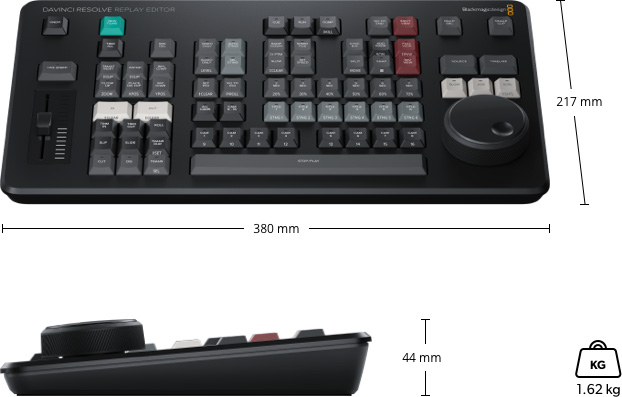
Physical Specifications
Environmental Specifications
Operating Temperature
0° to 40°C (32° to 104°F)
Storage Temperature
-20° to 60°C (-4° to 140°F)
Relative Humidity
0% to 90% non-condensing
In the box
What’s Included
Warranty
Only logged in customers who have purchased this product may leave a review.
You may also like…
-
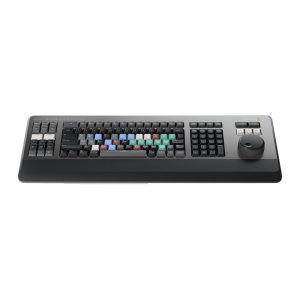
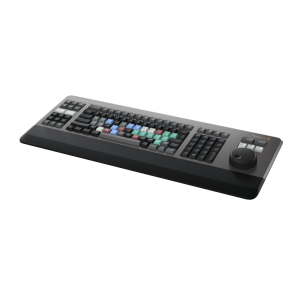
DaVinci Resolve Editor Keyboard
£496.00£413.33 inc VAT -
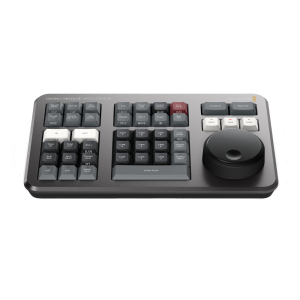
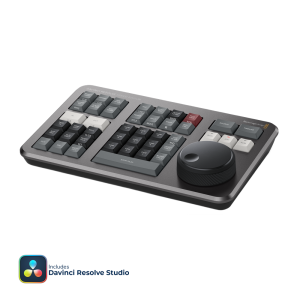
DaVinci Resolve Speed Editor
£319.20£266.00 inc VAT
Related products
-
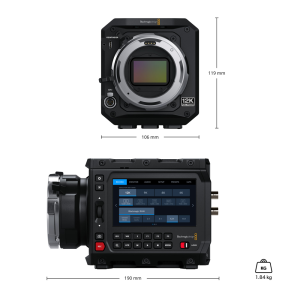
Blackmagic PYXIS 12K PL CINECAMCPYXO12LFPL
£3,996.00£3,330.00 inc VAT -
Blackmagic Pocket Cinema Camera 4K CINECAMPOCHDMFT4K
£798.00£665.00 inc VAT -
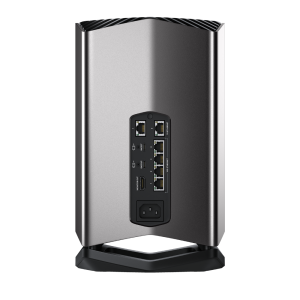
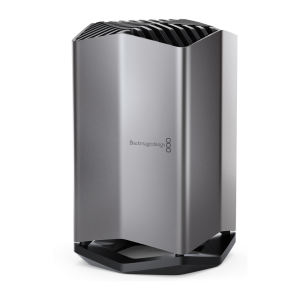
Blackmagic Cloud Store 80TB
£12,540.00£10,450.00 inc VAT
Reviews
There are no reviews yet.